How to create a personal blog
— GatsbyJS, Netlify, Web Dev — 2 min read
It's here! My very first blog post, and it's about my very first blog, how ironic. It's funny how being a developer, you neglect your own website until things are dire.
Then, a couple of weeks back, I decided to create my very own blog and publish it ASAP. The main goal for me was to get the website up and running in the shortest time possible.
Alright, let's dive into the details. There are 3 key ingredients that I have used for creating this blog:
- Namecheap (domain name)
- Gatsby JS (front-end)
- Netlify (hosting)
Namecheap
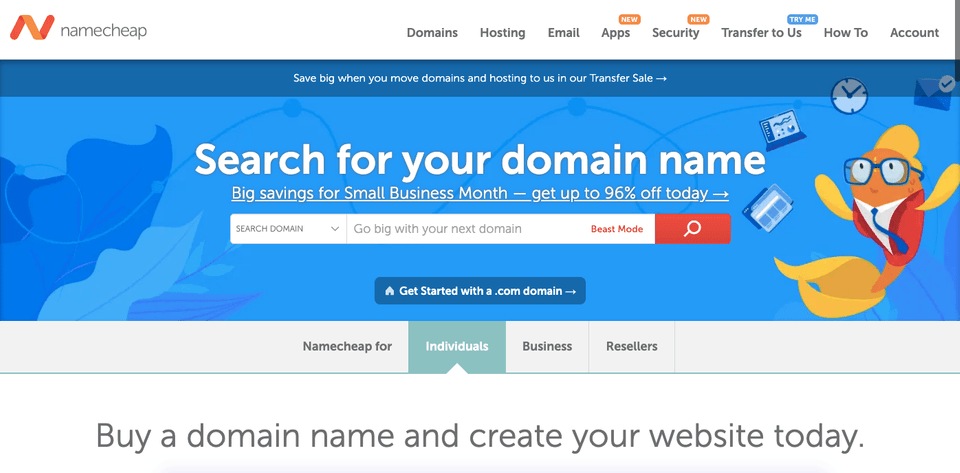 Firstly, you need to have a domain name. Though this is not necessary, it gives a nice touch and also easy to remember. Here, I chose Namecheap, but there are other options too: Register.com, Godaddy, etc.
The only thing to remember here is to choose a name that you can stick with(like forever), and it shouldn't be something you thought was cool at that moment. For most people like me, you too must have an idea what your domain name should be. If you are lucky you will get .com domain, however nowadays other TLDs are also quite popular, like .io, .dev, .me.
GatsbyJS
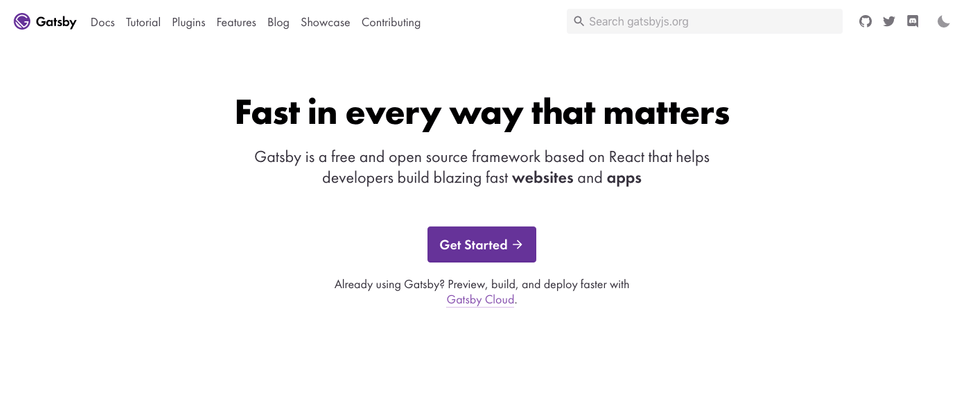 I cannot emphasize how cool GatsbyJS really is. Gatsby can load images progressively, it offers all PWA features out of the box, has support for AMP, uglification is standard(in fact you have install plugin if you want to disable it 🤩 ). Gatsby can load data from multiple sources, be it CMS(like Wordpress or Contentful), Markdown files, or even the traditional REST APIs. You can find the entire list of features here
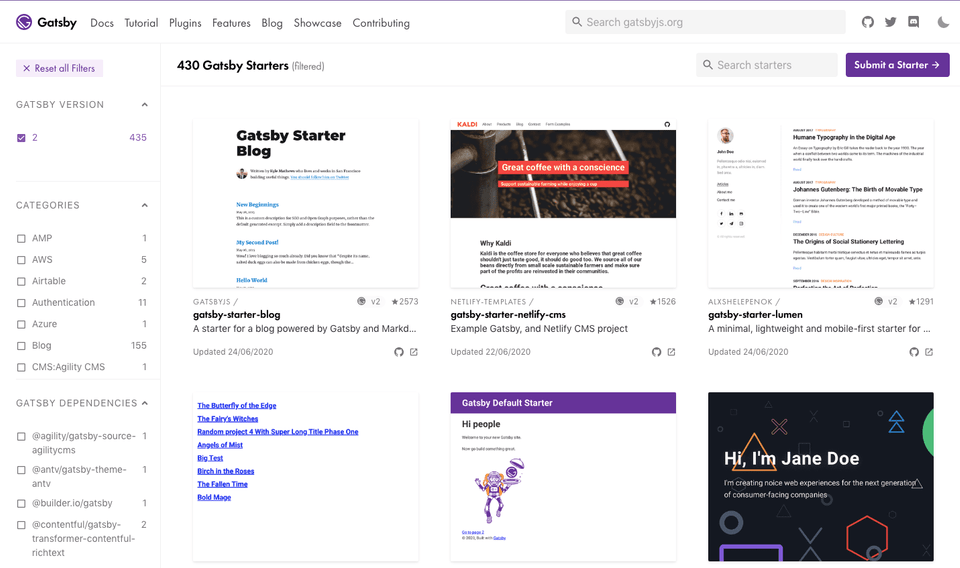 Another cool thing about GatsbyJS is its ecosystem. There are a bunch of plugins and starter kits to choose from. Launched in 2017, GatsbyJS is based on React, which again is very popular, and having worked on React made Gatsby an easy choice for me.
Netlify
Netlify is a platform that offers cloud hosting and serverless backend services for static websites.
There are many reasons to choose Netlify as listed in this article. However, the ones which made me choose Netlify are: it's free, easy to use, offers free SSL.
Once you have created a Netlify account, all you need to do is drag and drop the project folder in.
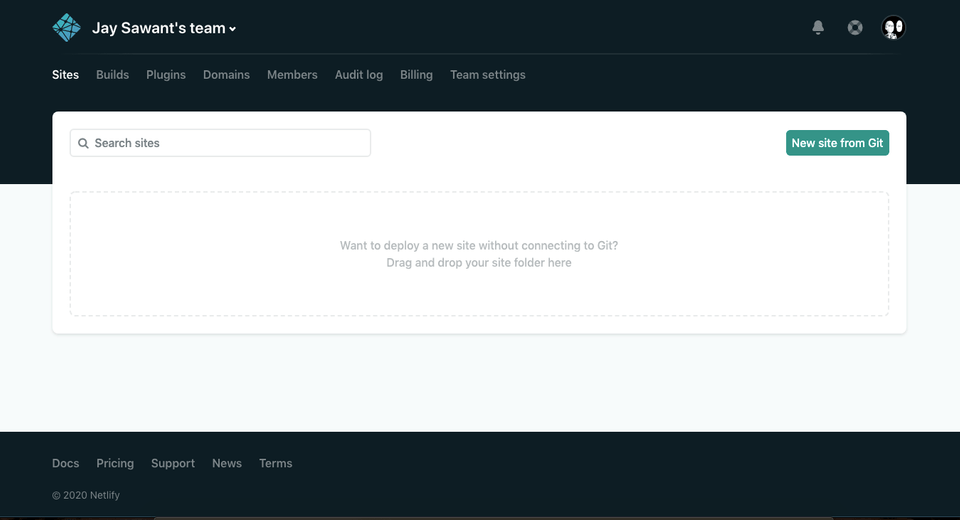
And in a flash, you have your website up and running.
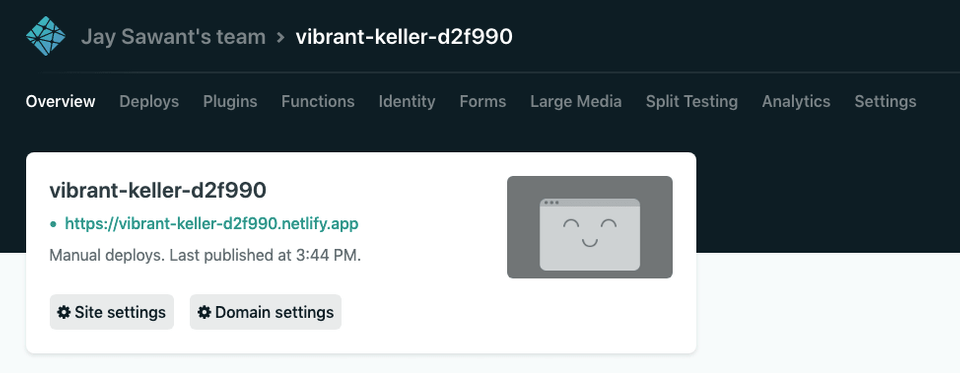
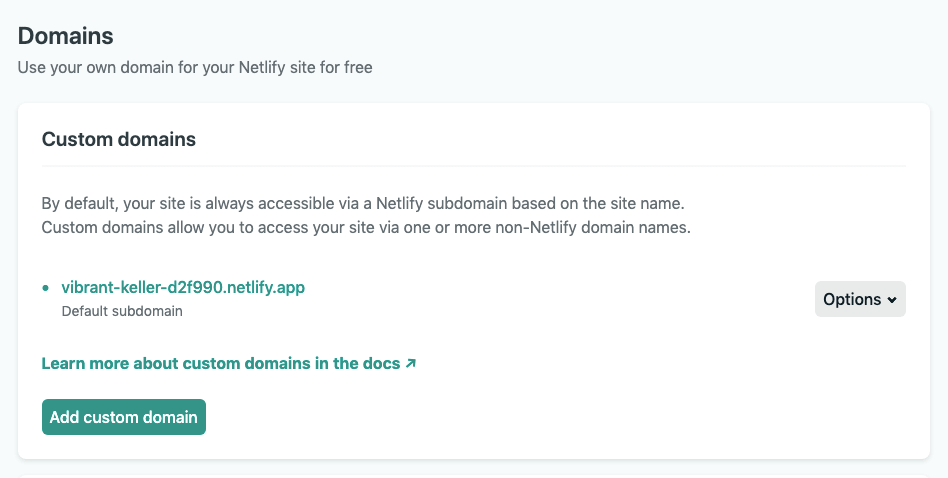
After that, I added the DNS config details(from Namecheap in my case) into my Netlify account. Once the DNS was configured, then under the domain setting tab, add the domain you just configured.
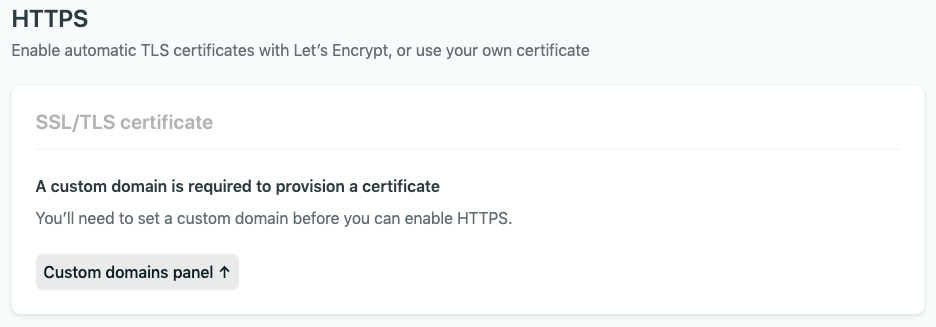
And finally, enable the SSL powered by Let's Encrypt 😍 This might take a few seconds to activate, at least it took me a few attempts to get it up and running.
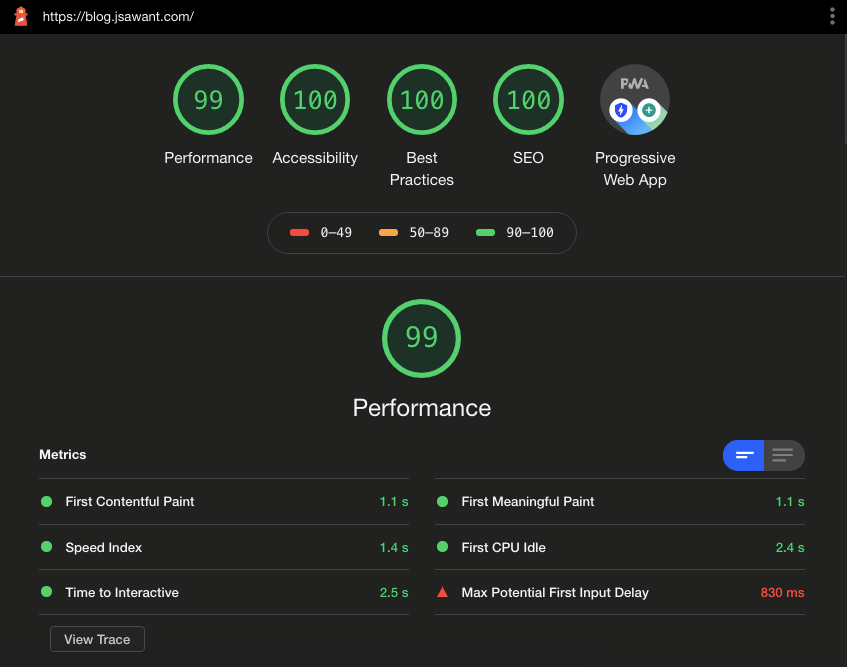
And here is a screenshot of Lighthouse benchmarking report 🚀🚀🚀.
I hope you find this encouraging enough to build your own website. Please feel to let me know what you think at contact@jsawant.com
Until, next time...